
Extensions

Liste des extensions s&box

Precision Tool

steam-workshop.3845075734

À propos

Precision Tool for s&box

Push or pull props by an exact distance, rotate them around the point you aim at, or line up two surfaces with a gap you control.

What you can do

  • Move props by a fixed distance or a percentage of their depth.
  • Preview placements and fine-tune rotation with the mouse before confirming.
  • Create welds, hinges, ball sockets, advanced ball sockets, sliders, and parent links.
  • Set angular limits and friction per axis on advanced ball sockets.
  • Apply settings to a prop or an entire contraption, settle unstable builds with Repair, and remove constraints by type.
  • Use Sandbox’s built-in undo to reverse edits or restore a removed link.
The settings panel shows the options for your selected mode. The tool supports multiplayer, including players joining an existing session

How to use

In a Sandbox session with the tool installed, press Q and go to Tools → Building → Precision Tool.

Left-click to apply the selected mode or pick placement points. Right-click to push a prop, and press Reload to pull it. While rotating, hold secondary fire or Reload to change the rotation axis.
Credits

Based on the original Precision Tool for Garry’s Mod

Médias

Historique des abonnés du Workshop de Precision Tool

3d tracked in 7d range · hourly samples

Mises à jour

1 update
Latest package update

Autres créations de Kinj14

01
Vignette de 3D2D Textscreens Revamped

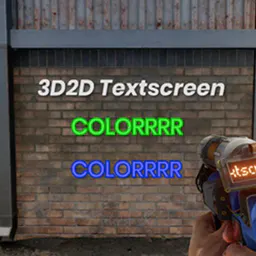
3D2D Textscreens Revamped for s&box Sandbox Create signs, labels, and notices directly in the world. Find 3D2D Textscreen under Tools → Render in Sandbox’s spawn and context…

Jeu cible: Sandbox

59abonnés
4favoris
1votes positifs
--évaluation
02
Vignette de AFK Camera Sandbox

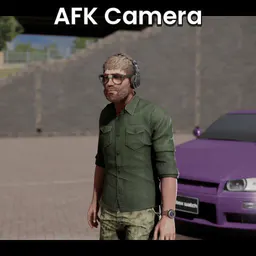
AFK Camera AFK Camera turns idle time into a cinematic third-person view of your character or vehicle. It starts after 60 seconds of inactivity by default. Move your character or…

Jeu cible: Sandbox

22abonnés
0favoris
1votes positifs
--évaluation